We just pushed an update we’ve wanted to do for a while.
As Vert.run has grown, the app got more powerful, but also easier to get “lost” in. And when you’re opening the app mid-day, pre-run, or post-run, you shouldn’t need to think. You should instantly see what matters, then go deeper only if you want to.
Before anything else, a quick reminder of what’s always shaped Vert.run:
We’ve always tried to keep things simple, focused on what actually moves the needle. There are plenty of places you can go extremely deep with data, but a lot of the time more data does not equal better results.
Consistency does.
That’s why this update is less about adding “more” and more about making what you already use feel obvious. At the same time, we also upgraded activity details with a few essentials that help you understand a session quickly, without turning Vert into something you have to babysit.
Key updates:
-
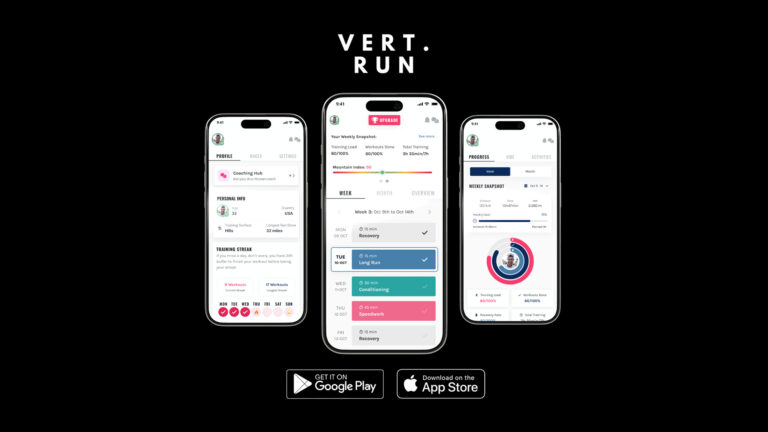
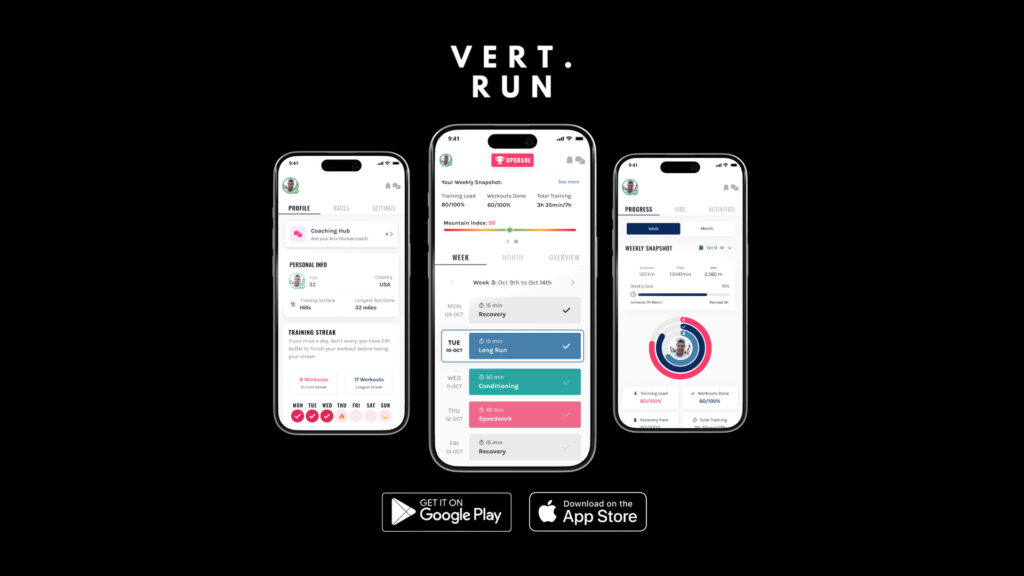
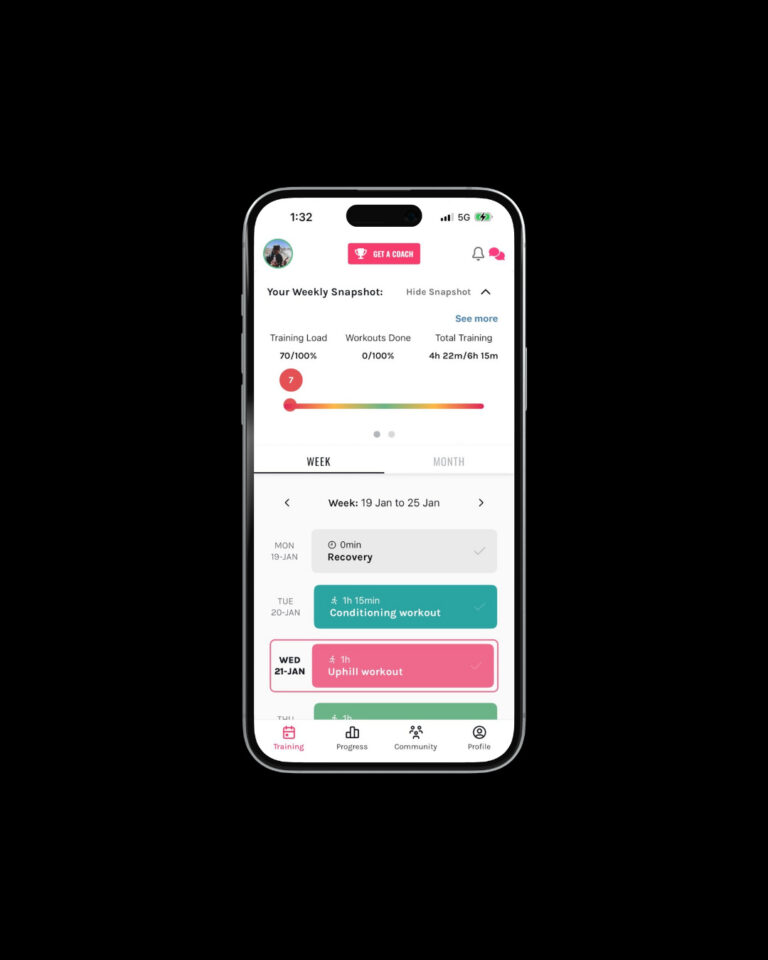
Training is the new Home, everything you need at a quick glance.
-
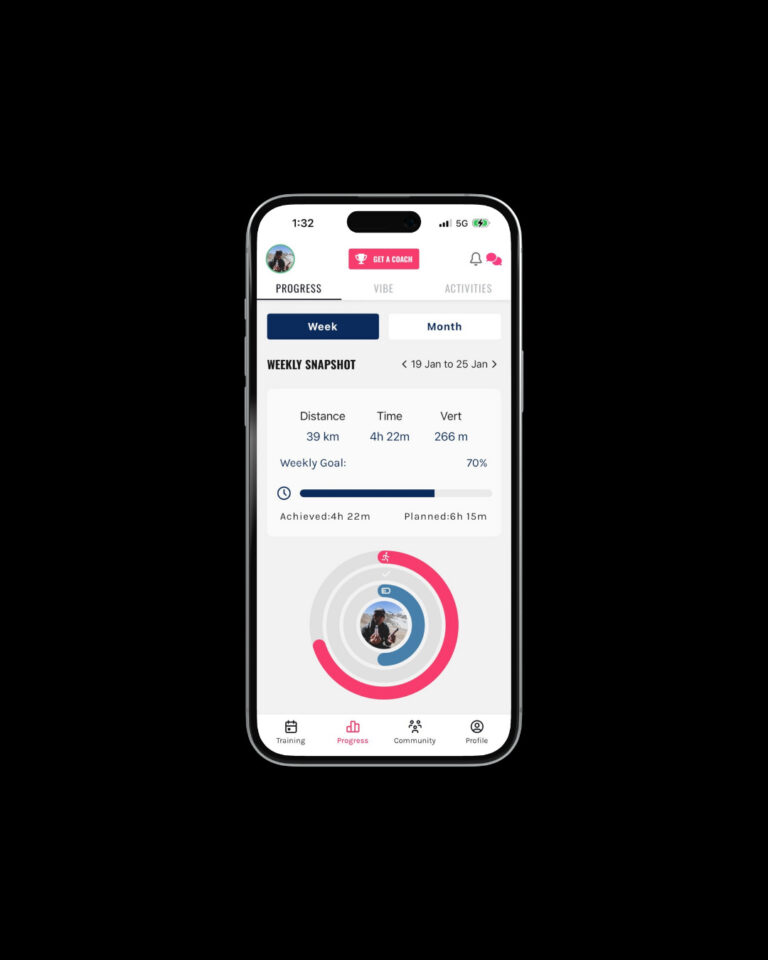
Progress is where you go deeper, with Timeline, VIBE Score, and your full activity history.
-
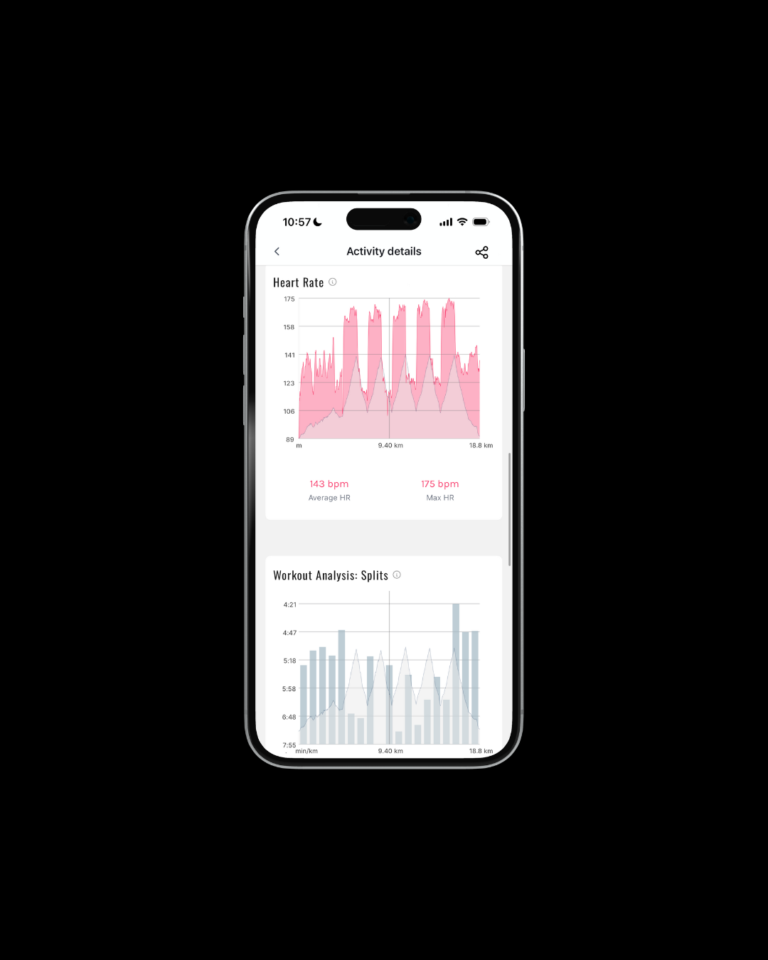
Activity details got a redesign, with new graphs for elevation profile, heart rate, and splits.
The New Layout
Training (new Home)
Training is your new starting point. It’s built for the “quick check”: what’s next and what matters today.
- Training plan / calendar view: Training
- Workout details: Training → tap a workout
Progress (3 tabs: Progress, VIBE, Activities)
Progress is where you review, learn, and zoom out. Inside the Progress menu you’ll see three tabs:
- Progress tab: your weekly/monthly snapshot and key training totals
- VIBE tab: your Timeline + VIBE Score (same as before)
- Activities tab: your full activity history (tap any activity for details)
Community (unchanged)
Community stays the same.
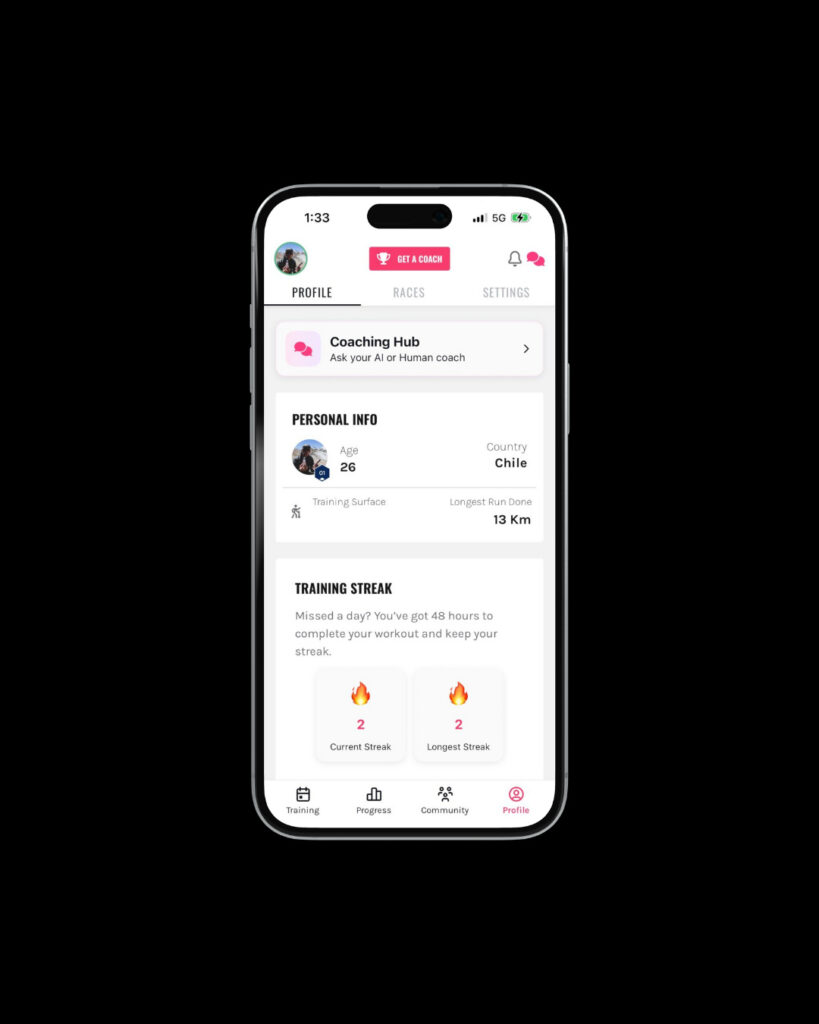
Profile (your personal hub)
Profile is where your personal stuff lives.
- Streak: Profile
- Race calendar: Profile → Races
- Settings: Profile → Settings
See what’s new in Vert
Update the app, then open Training and a recent activity to explore the new navigation and graphs.
Quick “where is it now?” map
If something feels like it moved, it did, but it’s still there:
Timeline: Progress → VIBE
VIBE Score: Progress → VIBE
Activities: Progress → Activities
Plan / calendar: Training
Workout details: Training → tap a workout
Streak: Profile
Race calendar: Profile → Races
Settings: Profile → Settings
Notifications: top right bell icon
Coaching Hub (AI + human): top right chat bubble, or Profile → Coaching Hub
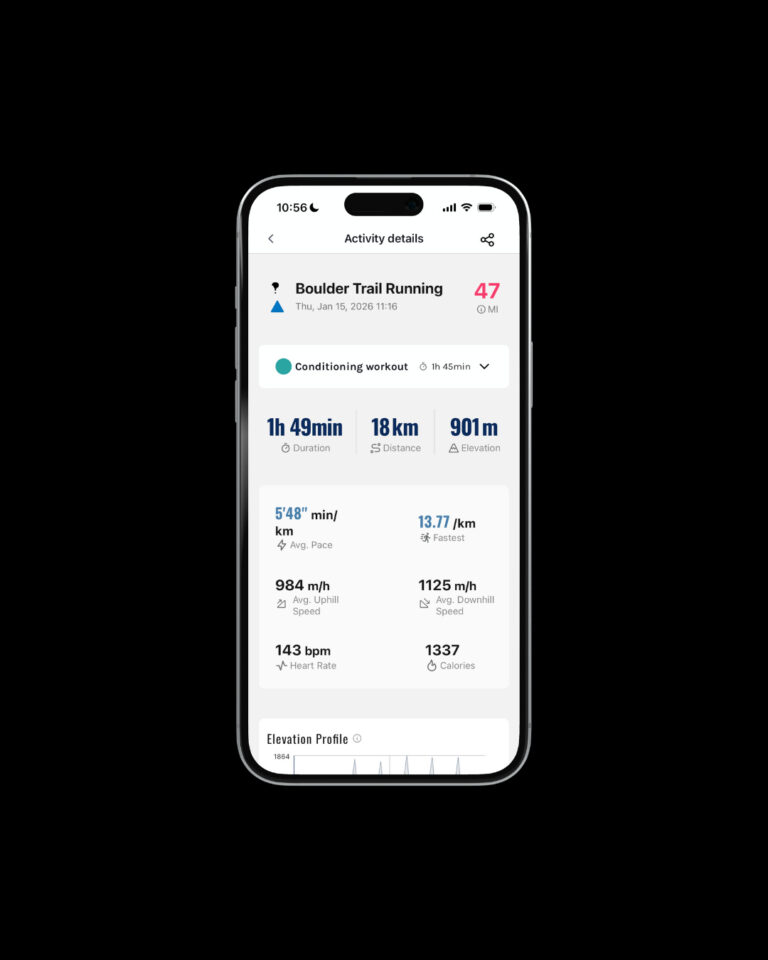
Activity details: redesigned stats + new graphs
We rebuilt the activity details screen so the key information is clearer and faster to scan.
At the top, you still get your core numbers (duration, distance, elevation), plus key metrics like pace and uphill/downhill speed. Then the new graphs help you understand how the session unfolded.
Elevation Profile
A clean elevation vs distance profile that makes it easy to see where the work happened, where the route changed, and how the session was distributed.
X-axis: distance
Y-axis: elevation
No cursor, no dragging. It’s meant to be a quick read.
Heart Rate
A heart-rate graph that shows your HR pattern through the session.
Data: raw heart rate
No zones overlay. The focus is on the shape and trend, not extra layers.
Workout Analysis: Splits
A split view that makes pacing changes easier to spot.
Splits display based on your unit preference: metric (km) or imperial (mi)
No manual laps supported (splits follow the unit setting)
How to use this (without overthinking it)
If you want a simple way to get value from these new graphs:
Elevation Profile: ask “where did the work happen?” (climbs, descents, rolling sections)
Heart Rate: ask “was the effort steady, or drifting?”
Splits: ask “did I pace it well, or fade/push too early?”
That’s it. One minute review. Then move on.
What we hope this does for you
Less friction to stay consistent, and just enough insight to learn from each session without turning training into a spreadsheet.
Make sure you’re on the latest version, then open Vert. You’ll spot the changes right away. Next, tap a recent activity to see the new graphs.
Quick FAQ
If something feels like it moved, it’s still there. Here’s the new map.
Where do I change units (km/mi)?
Profile → Settings → App Unit
Where is the Coaching Hub?
Tap the chat icon (top right).
You can also find it under Profile → Profile tab → Coaching Hub.
Where are Timeline and VIBE Score now?
Progress → VIBE. Timeline and VIBE Score are on the same screen, exactly like before.
Where is the Race Calendar?
A few paths:
Training → Snapshot → See Races
Progress → Mountain Index → See Races
Profile → Races
Where is my Streak?
Profile (your streak now lives here).
What happened to the Daily view?
There’s no separate “daily workout” view now. Training defaults to Weekly, and you can switch to Month from there.
Why don’t I see an Elevation or Heart Rate graph on some activities?
If an activity has no elevation data, the elevation graph won’t show.
If an activity has no heart rate data, the heart rate graph won’t show.